
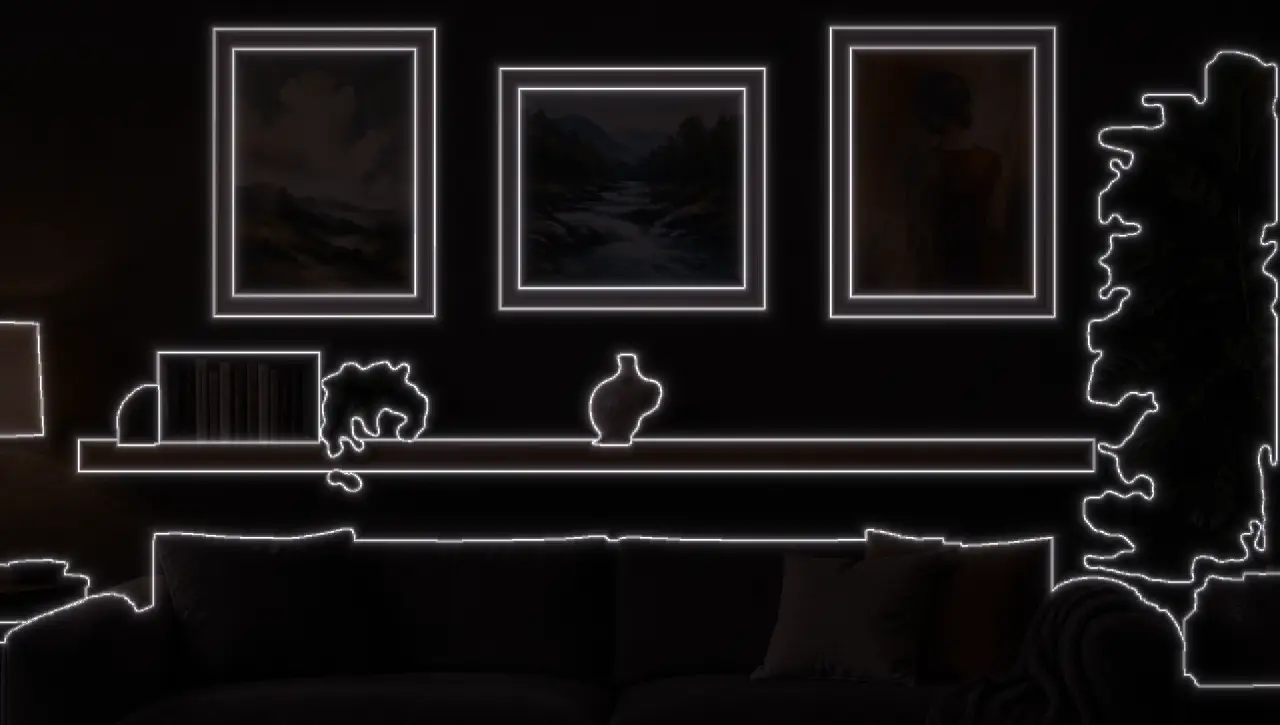
Your wall, brought to life.
Point any projector at any wall. Lumen maps light, art and stories onto the real things in your room.
Before / After
Same room, same wall — slide to compare it with and without Lumen.
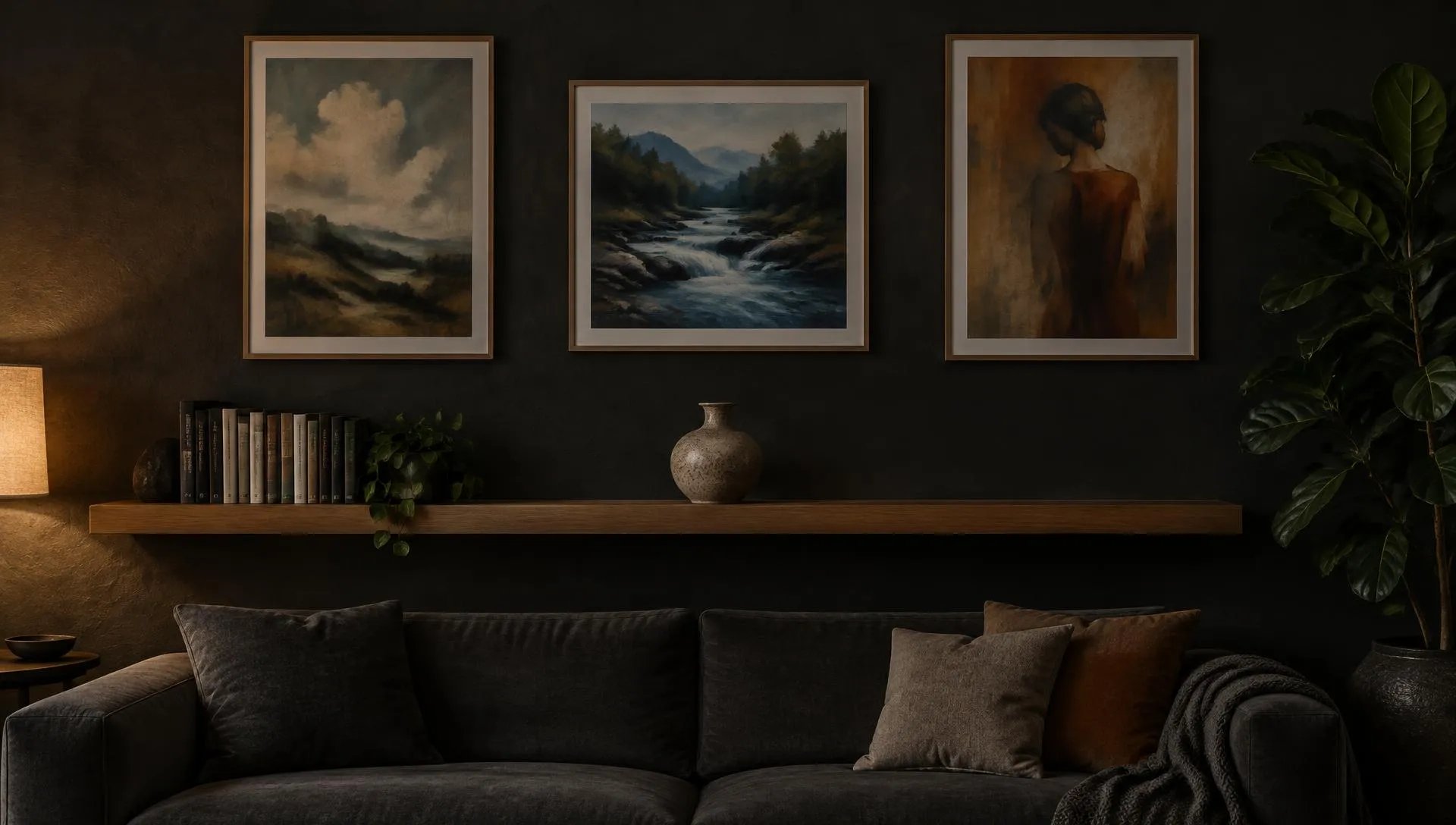
 Your artwork
One colour. One confident step.
Create your show
Type one sentence, or start from a template. Every card below is rendered live by the same light engine your projector runs.
From phone to wall.
- 01
Pair your projector
- 02
Scan your wall
- 03
Choose your light
Works with your projector.
Connect your projector over HDMI, or open Lumen in a compatible projector browser. Your phone is the camera and remote. Browser availability varies by device; HDMI works without a TV app. No extra rig.
A LITTLE CLARITY
Before the lights go on.
How bright does my projector need to be?+
Brightness depends on your wall size, wall colour and ambient light. A smaller projection in a darker room makes the most of any projector. Brighter projectors give you more room to play.
Does the room need to be dark?+
Dim light gives the richest colours and sharpest contrast. Switch off nearby lamps, draw the curtains and let your wall take the spotlight.
Do I need special hardware?+
Just a projector, a phone with a camera, and a laptop connected over HDMI — or a projector that can open Lumen in a browser. No depth sensor or specialist mapping equipment.
What happens to my camera frames?+
Stripe-pattern camera frames are processed on your phone and are not uploaded. When you accept a scan, the recovered room image and calibration map are saved privately so your projector can use them.